Step 1 - Check Your Email for a Message from Instagram
When Instagram detects a login change or password reset, it sends an email to your registered email address. Check your inbox - including spam - for an email from [email protected]. If the hacker changed your email and you see the notification, tap "Secure my account" in that email immediately - Instagram gives you a window to revert the change. If you received a login changed notification and did not make the change yourself, act on it instantly. Webomatic advises clients to keep their Instagram registered email address updated and actively monitored at all times.
Step 2 - Use Instagram's Official Account Recovery Options
On the Instagram login screen, tap "Get more help" if your email and phone access are both lost. Instagram will ask you to verify your identity - through a video selfie, government ID, or linked Facebook account. This process can take 1 to 7 days depending on Instagram's review. For business accounts, having a linked Facebook account significantly speeds up recovery - another reason to always keep your Instagram linked to a secured Facebook account. Webomatic has helped multiple clients navigate Instagram's identity verification recovery process successfully.
- On the login screen, tap "Forgot password" first - use email, phone, or linked Facebook to recover access.
- If those options are gone, tap "Get more help" and submit an identity verification request to Instagram.
- A video selfie verification request from Instagram is legitimate - it compares your face to your profile photos.
- Linking your Instagram to a secured Facebook account gives you an additional recovery route if locked out.
- Webomatic guides clients through Instagram's official recovery process step by step during support calls.
What to Do if the Hacker is Demanding Money for Your Account
A growing trend in India is hackers taking over business Instagram accounts and demanding payment - sometimes in cryptocurrency - for their return. Do not pay. Payment does not guarantee return of the account, and paying once invites repeated extortion. Instead, immediately begin the official Instagram recovery process, report the account as hacked through the Help Center, and file a complaint at cybercrime.gov.in. Alert your followers through other channels (WhatsApp, email, another social media account) so they know your Instagram is compromised and not to trust any messages from it. Webomatic helps clients communicate with their audience during an ongoing Instagram hack incident.
- Never pay the ransom - it does not guarantee account return and encourages the attacker to target you again.
- File a cybercrime complaint at cybercrime.gov.in immediately - document the ransom demand as evidence.
- Alert your followers via email, WhatsApp, and other platforms that your Instagram is compromised.
- Report the account as hacked through Instagram Help Center - flagging it prevents further follower damage.
- Webomatic helps clients manage audience communication and recovery during Instagram hack incidents.
After Recovery - How to Prevent It from Happening Again
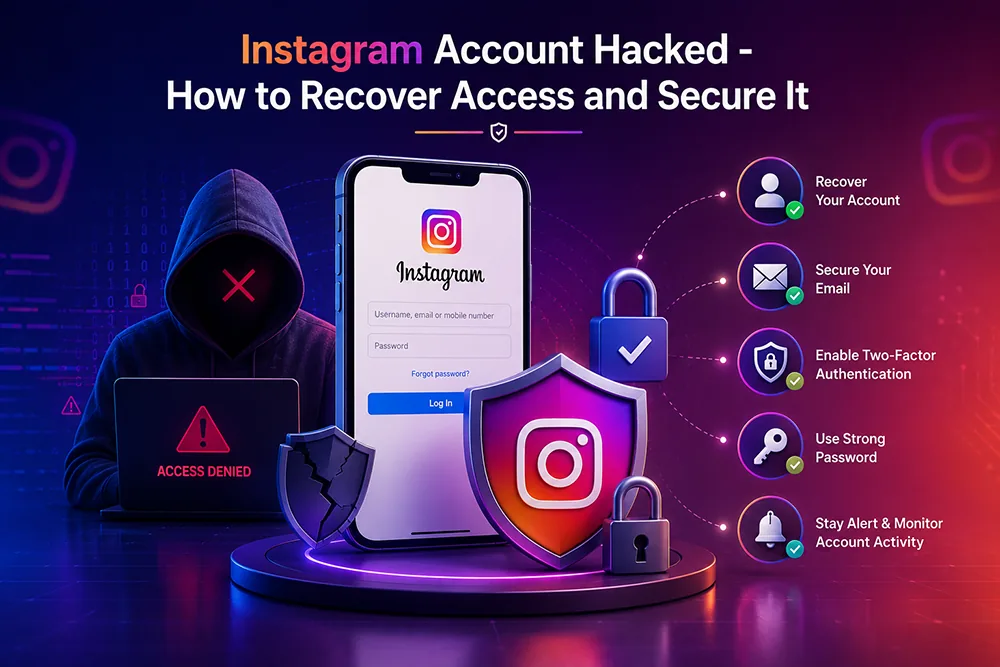
The moment you regain access, the priority is prevention. Enable two-factor authentication using an authenticator app. Change your password to something strong and unique. Review and revoke access to all connected third-party apps. Check the Emails from Instagram section in Security settings and report any suspicious emails you see there. Update your registered email to one with 2FA enabled. Webomatic performs a full post-recovery security lockdown for client Instagram accounts - ensuring every access point is secured before going live again.
- Enable 2FA with an authenticator app immediately after regaining access - do not delay this step.
- Change your password to something strong and unique that you have not used on any other platform.
- Remove all connected apps in Settings, Security, Apps and Websites - revoke everything and start fresh.
- Update your registered email to one with strong security and 2FA - this is your primary recovery lifeline.
- Webomatic performs post-recovery security hardening for client Instagram accounts after any hack incident.
Instagram account recovery is possible - but acting fast and following the official steps is critical. The longer you wait, the more damage is done to your brand, your followers, and your content. Webomatic supports businesses across Ahmedabad, Vadodara, Surat, Rajkot, and all of India with Instagram recovery and post-hack security. Contact us at webomatic.in or call +91 99249 43005 for immediate support.